For years my books have lived in Calibre. It is the best tool there is for keeping a library: metadata, covers, formats, tags, series, all in one place. But reading from it has always been awkward. I’d send a book to one device, read a few chapters, pick up another device, and start hunting for my page. Highlights stayed wherever I made them. My reading history was scattered across apps that each wanted their own account and their own copy of my books. So I built the reader I wanted. It’s called Continue reading, and the name is the whole idea: open it on any device and carry on exactly where you left off.
Your library, not another store
Continue reading doesn’t sell books and doesn’t ask you to upload them anywhere. It connects to the library you already have:
- Calibre: point it at your Calibre content server (it’s built into the Calibre desktop app) and your whole library appears, with covers, series, tags and the virtual libraries you’ve defined.
- Zotero: add an API key and your papers and books show up too, with files from Zotero Storage or your own WebDAV server.
Books download for offline reading, and everything you do syncs back.
Two-way sync that actually goes both ways
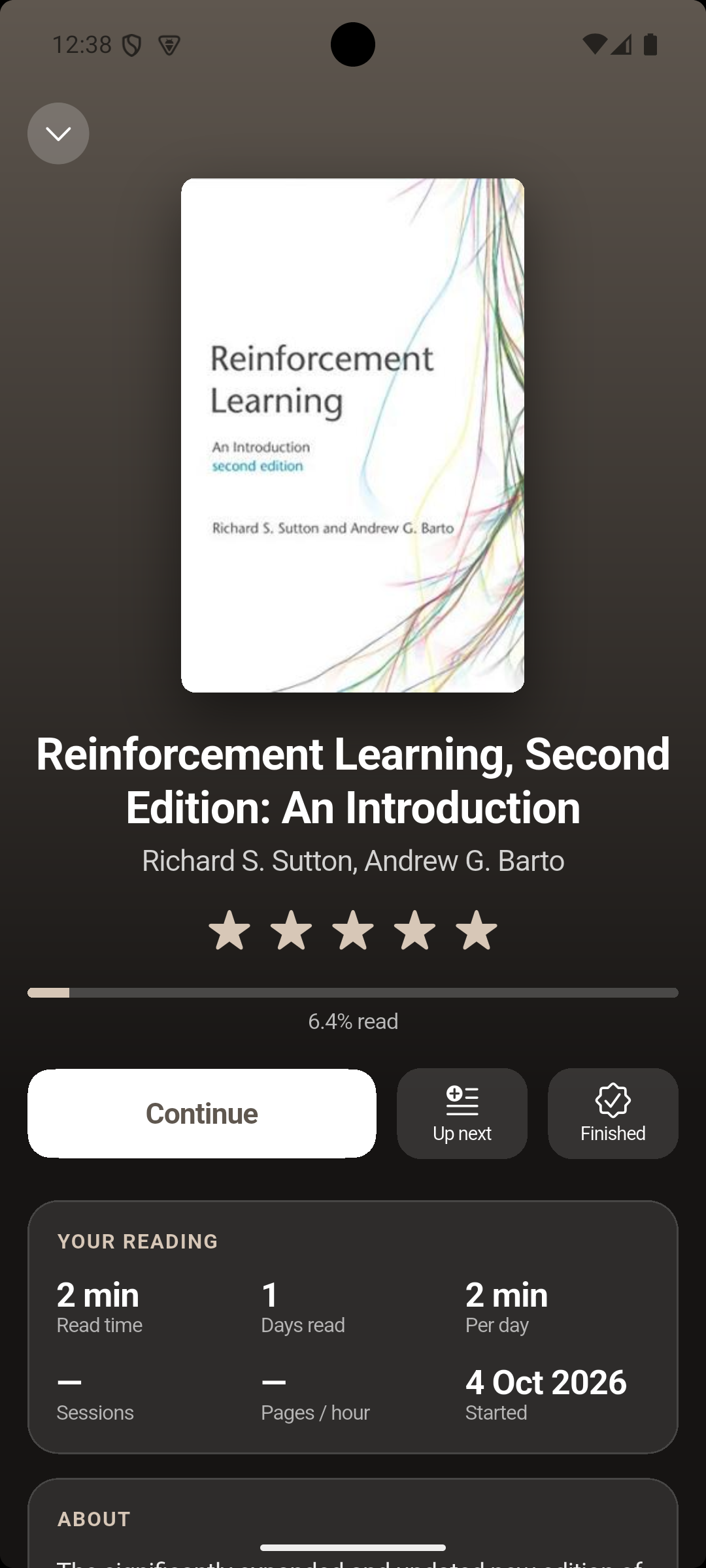
This is the part I care about most. Your progress, ratings, start and finish dates, reading time, highlights and notes are written back to Calibre itself: into custom columns you can sort and filter by, and into Calibre’s own annotations and last-read positions. Open the book in Calibre’s web viewer and you’re on the same page, with your highlights. With Zotero, highlights, notes and the last page read sync with Zotero’s annotations, so you can switch between Continue reading and Zotero’s own reader freely.
It’s offline-first: changes queue up and sync as soon as your server is reachable again. If something changed in both places, you choose which version to keep.
A few things I added because my own household needed them:
- Several readers, one library. Each person can keep their own progress, ratings and dates in personal columns, while sharing the same books.
- A small Calibre plugin creates all the columns for you, for everyone in the household, in one go. It also keeps a Currently reading column up to date: books at least 10% read and opened in the last 30 days.
- Set up a new device in seconds. Show a QR code on one device and scan it on another, and the new device is connected to the same Calibre server and Zotero account.
Reading, the way you like it
The reader handles EPUB and PDF. For EPUBs you get paged or continuous scrolling and a set of themes: white, sepia, gray, night, black or your own colours. You can change fonts (including fonts you import), size, weight, line and paragraph spacing, margins, justification and hyphenation. Settings apply to every book or to just one.
Highlights come in five colours, with notes. If you’ve been reading elsewhere, you can bring your highlights with you: Continue reading imports from Kindle, Kobo and KOReader. On PDFs you can draw with a stylus or your finger and export a copy with standard PDF annotations.
Listening, without the cloud
Any EPUB or PDF can be read aloud. The current sentence is highlighted and pages turn on their own, with speed control and a sleep timer. On Android and iPhone it keeps going with the screen off, with controls on the lock screen.
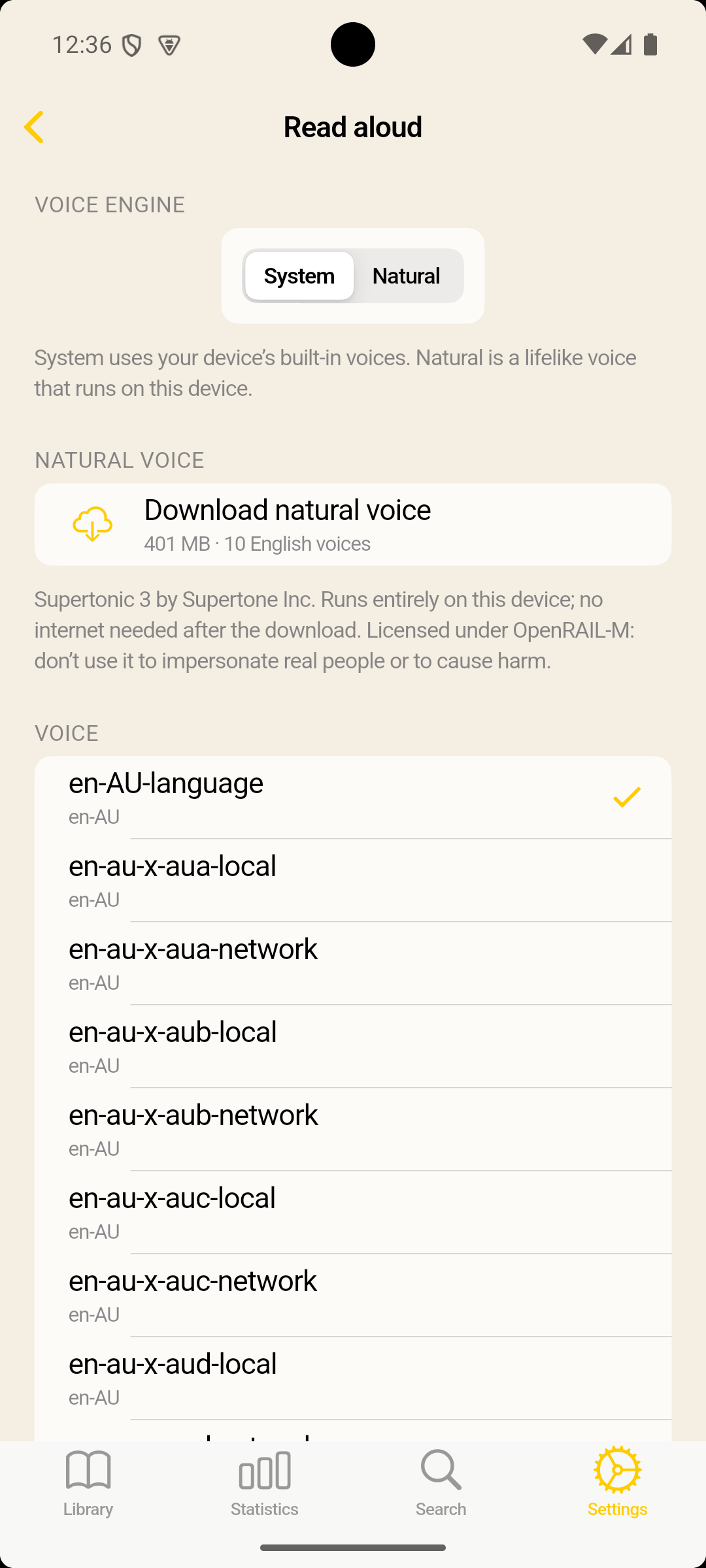
You can use your device’s built-in voices, or download an optional natural voice: Supertonic 3 by Supertone. It’s a one-time download of about 400 MB, and after that it runs entirely on your device. No text is sent to a speech service, and it works on a plane.
Built for e-ink, too
I read a lot on an e-ink tablet, so there’s a dedicated E-ink theme: pure black and white with no animations. It has a high-contrast option for bolder text and a black-and-white mode that also turns covers and pictures to greyscale.
Small things that keep me reading
- A daily reading goal, streaks and a goal calendar
- Statistics: time read, pages per hour, your favourite time of day and per-book numbers
- A Continue reading shelf with the books you’re in the middle of
- Home screen widgets on Android for continue reading, continue listening and your streak
- Four app icons to choose from
Private by design
There are no accounts with me, no ads and no tracking. Your books and reading data stay on your devices and on the servers you choose. Your Calibre password and Zotero key are kept in your system’s secure storage. The full details are in the privacy policy.
Where to get it
Continue reading is built with Flutter, from one codebase for every platform.
You’ll need a Calibre content server (free, part of Calibre) or a Zotero account to bring in your books. Calibre’s server lives under Preferences → Sharing over the net. Add a user that’s allowed to make changes, and enter its address in the app under Settings → Calibre.
Thanks
Continue reading stands on a lot of open-source work: foliate-js renders the EPUBs, PDFium and pdfrx handle PDFs, ONNX Runtime runs the natural voice, and of course there’s Calibre by Kovid Goyal, the library this whole app is built around. The full list, with every licence, is in the app under Settings → Acknowledgements.
Continue reading is not affiliated with or endorsed by Calibre or Zotero.
If you try it, I’d love to hear how you read with it.